INDUSTRIAL AI SAFETY GUIDE
AI Video Analytics for Industrial Safety: Factory Safety Guide
Learn how factories, warehouses and industrial sites turn existing CCTV cameras into real-time safety sensors using computer vision, edge AI and site-specific event logic for PPE, people, smoke, restricted zones, forklifts and emergency monitoring.
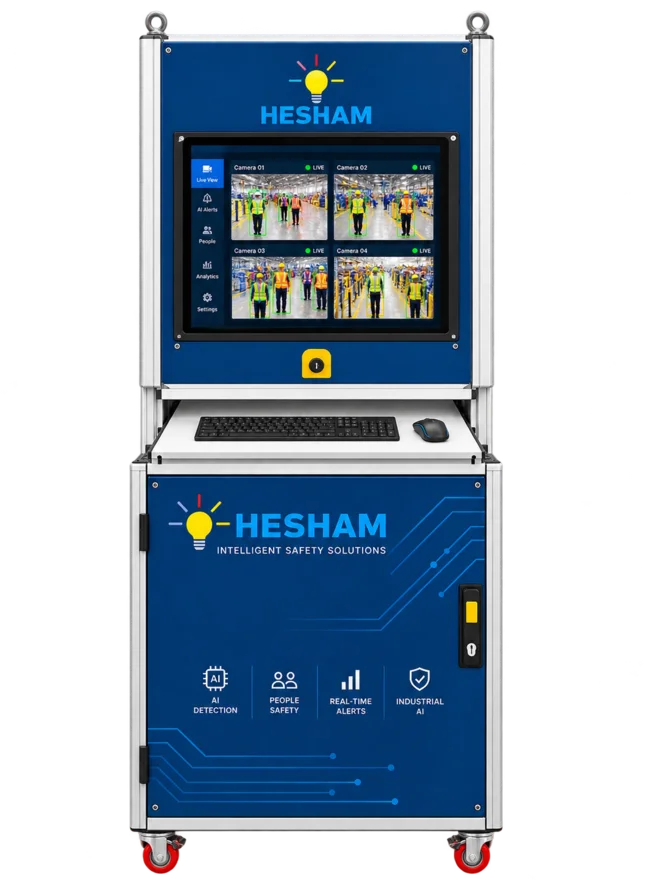
What Is AI Video Analytics for Industrial Safety?
Short answer: AI video analytics for industrial safety is software that watches camera feeds and converts visible conditions into safety events. Instead of using CCTV only after an incident, the system can detect configured risks while work is happening and alert the people responsible for action.
The AI does not make a camera “safe” by itself. A useful industrial system combines video input, computer-vision models, zones, timing rules, event confirmation, alerts and review. That complete pipeline matters more than a single model name.
Typical applications include human detection around machinery, PPE compliance, smoke monitoring, forklift-pedestrian risk, restricted-zone entry, emergency headcount and selected driver-monitoring events. The exact analytics should be chosen from the site risk assessment rather than from a long feature list.
Can AI Video Analytics Use Existing CCTV Cameras?
Often yes. If an existing IP camera provides a usable RTSP or ONVIF stream and the scene gives the AI enough visual detail, the same camera can become an input to an industrial safety analytics system. This is one of the strongest reasons factories evaluate video AI: the software layer can reuse installed camera infrastructure instead of requiring a complete replacement.
Security cameras and safety cameras may share hardware, but the scene design is different. A camera mounted for general surveillance may not show a worker’s helmet clearly enough for PPE detection, or may not provide the geometry needed for a machine-danger-zone rule.
What Can Industrial AI Video Analytics Detect?
The best way to design the system is to start with a defined hazard. Common industrial safety use cases include:
Human & Restricted-Zone Detection
Detect visible people in configured machine areas, exclusion zones, robot cells, line-crossing points or other monitored locations. Rules can require a person to remain in the zone for a defined time before an event is confirmed.
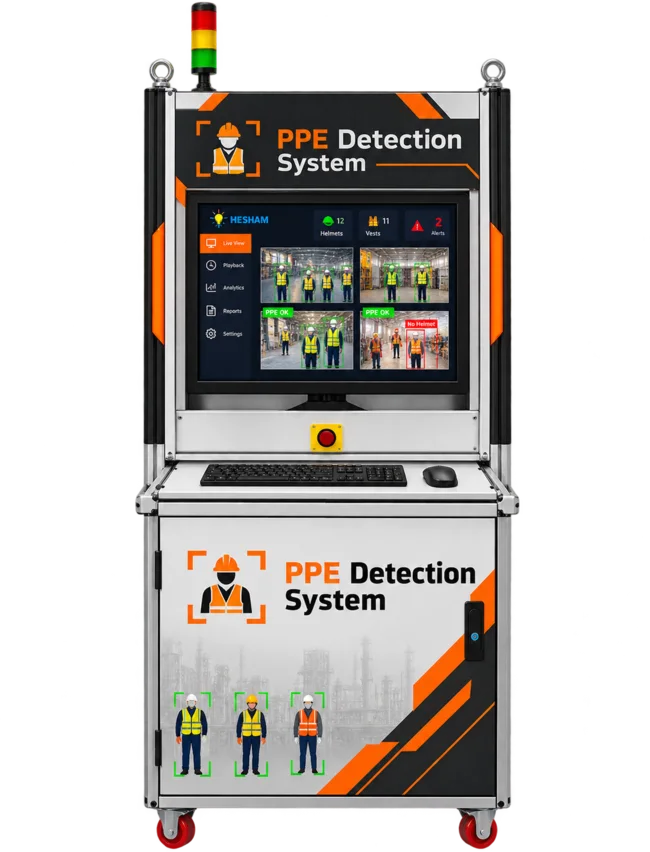
PPE Detection
Check visible workers for configured PPE classes such as helmets, vests, goggles, gloves, masks or safety footwear. Reliable results depend on the PPE item being large and visible enough in the image.
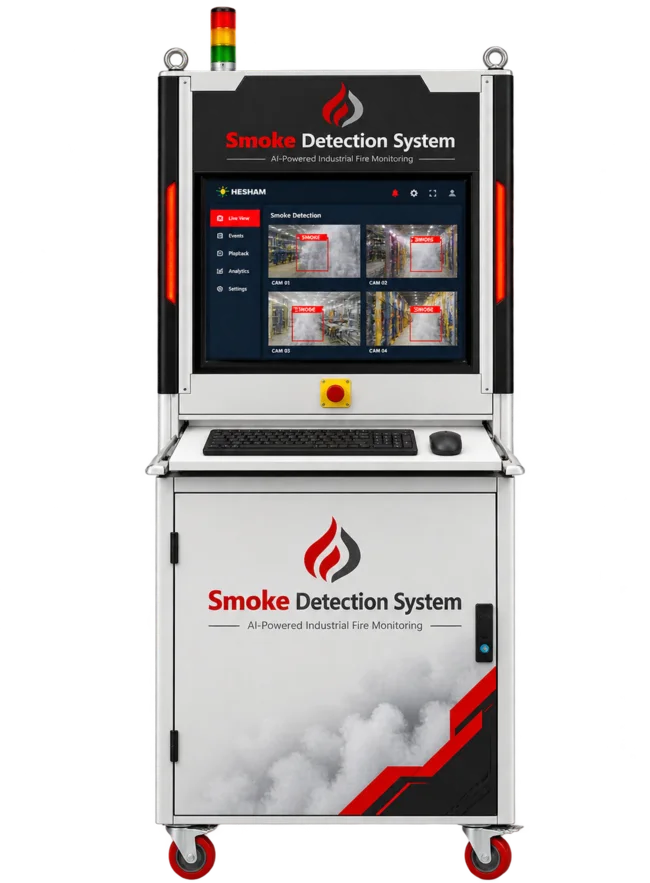
Smoke Detection
Identify visual smoke-like patterns in monitored areas and create an early event for review or escalation. Visual AI should support, not replace, required certified fire detection and emergency systems.
Pedestrian & Vehicle Safety
Monitor people and vehicles in forklift lanes, crossings, loading areas and blind spots using virtual zones or line-crossing rules. For forklift-mounted camera systems, see the dedicated Forklift Pedestrian Detection: AI Safety Guide.
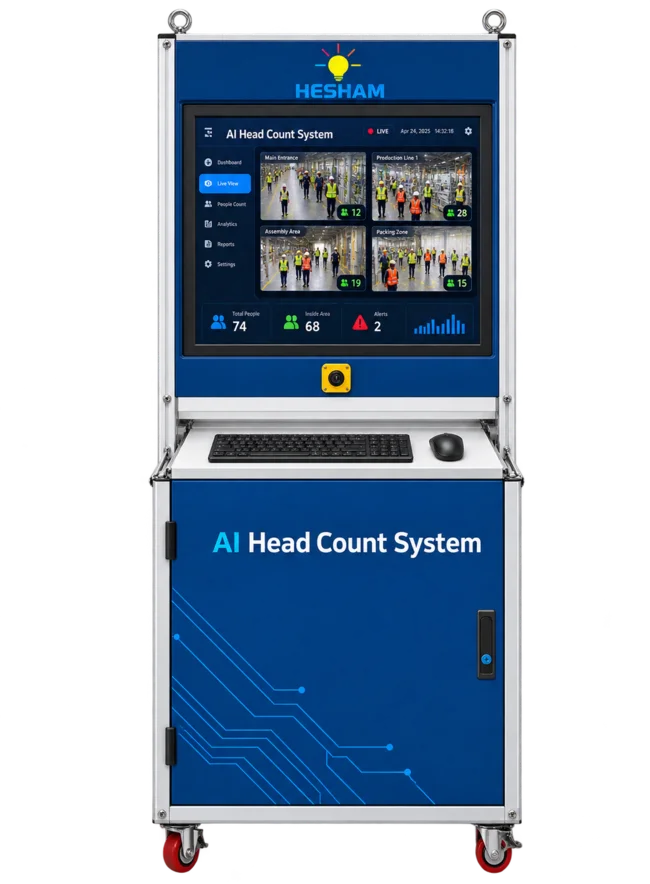
Emergency Headcount
Count visible people in a defined assembly or muster area and support expected-versus-detected workflows when integrated with attendance or registration data.
Driver Monitoring
Use an in-cab camera to monitor configured driver-safety conditions such as fatigue or distraction indicators and generate local or connected alerts.
How AI Video Safety Analytics Works: Camera to Action
A reliable deployment is easier to understand as a pipeline than as a list of AI models.
Capture
IP cameras or vehicle cameras provide the live video stream.
Detect
AI models identify people, PPE, vehicles, smoke or other configured visual conditions.
Apply rules
Regions of interest, line crossing, duration, direction, confidence and context turn detections into events.
Alert
Confirmed events can trigger dashboard alerts, hooters, beacons, email, messaging, API calls or reports.
Review
Events become evidence for shift review, recurring-risk analysis and system tuning.
This rule layer is critical. A person being visible in a camera is not automatically a safety violation. The system should know where the person is, how long the condition lasts and what response is appropriate.
Edge AI, On-Premise or Cloud: Which Architecture Fits a Factory?
| Architecture | Best fit | Advantages | Questions to check |
|---|---|---|---|
| Edge / on-premise | Factories needing low latency and local processing | Fast event response, local video handling, reduced internet dependence | GPU capacity, cooling, camera count, maintenance, local storage |
| Cloud | Centralized multi-site access where connectivity and policy allow | Remote management, centralized dashboards, simpler fleet-wide reporting | Bandwidth, latency, privacy, retention and outage behavior |
| Hybrid | Sites wanting local inference plus central reporting | Local detection with enterprise visibility and selective data upload | Which data leaves the plant, sync behavior and integration ownership |
For many industrial safety projects, edge processing is attractive because the detection should continue even if the public internet is unavailable. Cloud services can still be useful for central dashboards, notifications and multi-site reporting.
What Happens After AI Detects a Safety Event?
The detection model is only the first stage. The value comes from routing the right event to the right response.
Important: AI detection is not automatically a safety-rated interlock. If a project requires machine stopping, vehicle slowdown or another control action, the complete control architecture must be engineered, risk-assessed and validated for that equipment and site.
Accuracy, False Alarms and Real-World Limitations
Industrial AI should not be judged only by a benchmark accuracy number. Performance changes with camera angle, distance, lighting, occlusion, PPE appearance, smoke visibility, motion blur and the amount of the target visible in the frame.
How to reduce false alarms
- Use a camera angle designed for the exact hazard.
- Draw a relevant polygon ROI instead of analysing unnecessary areas.
- Use confidence thresholds appropriate for the task.
- Add tracking or short confirmation time before creating an event.
- Use cooldown logic so one continuing event does not create repeated nuisance alarms.
- Test different shifts, lighting, PPE colours and operating states.
- Review false positives and false negatives separately.
- Re-test whenever the camera, process or traffic layout changes.
The goal is not to make the model “maximum sensitive.” The goal is to create an event engine that reliably surfaces the conditions the safety team actually cares about.
How to Choose an Industrial AI Video Analytics System
Before comparing suppliers, write down the hazard and the response you need. Then ask every vendor the same questions.
- Which exact safety event must be detected?
- Can the system reuse the cameras already installed?
- What minimum camera resolution and scene size are required?
- Does inference run on the camera, edge server, on-premise server or cloud?
- What happens when the network or AI server is offline?
- Can zones, thresholds and timers be tuned per camera?
- How are false alarms reviewed and corrected?
- Can the system provide event snapshots or clips?
- Who receives alerts and through which channels?
- Can it integrate with PLC, API, EHS or existing software where required?
- How is video retained and who can access it?
- What site acceptance test will be used before rollout?
Industrial AI Safety Deployment: A Practical 7-Step Plan
Define one measurable hazard
Start with a real problem such as missing PPE at an entry point, people entering a robot cell, smoke in a warehouse aisle or pedestrians in a forklift lane.
Audit the camera view
Check stream access, resolution, angle, distance, obstruction, night conditions and whether the target occupies enough pixels.
Select processing architecture
Size the edge server or cloud workload for the actual camera resolution, frame rate, model set and required latency.
Configure event logic
Set ROI polygons, lines, thresholds, duration, direction and cooldown so the event matches the site rule.
Define the response
Choose who sees the event and whether the response is a dashboard alert, hooter, beacon, report, API or engineered control workflow.
Run a site acceptance test
Test true events, nuisance conditions, occlusion, lighting changes, camera loss and system restart behavior.
Tune and document
Record thresholds, expected behavior, known limitations and the retest process for future site changes.
Where AI Video Analytics Is Used in Factories and Warehouses
Robot and machine areas
Human presence, restricted-zone entry and configured line crossing around hazardous automated equipment.
Production floors
PPE monitoring, unsafe-zone entry, smoke events and shift-level safety evidence.
Warehouses
Forklift-pedestrian interaction, aisle monitoring, smoke, restricted zones and headcount use cases.
Loading docks and yards
People and vehicle movement, reversing risk, dock access and traffic conflict points.
Emergency assembly areas
Live visible headcount in defined muster zones with optional comparison to expected attendance.
Industrial vehicles
Forklift-mounted pedestrian cameras and in-cab driver monitoring for selected vehicle-safety applications.
AI Video Analytics for Industrial Safety FAQs
What is AI video analytics for industrial safety?
AI video analytics for industrial safety applies computer vision to live or recorded industrial camera feeds to detect configured safety events such as missing PPE, people in restricted zones, smoke, forklift-pedestrian risk or unsafe conditions.
Can AI video analytics work with existing CCTV cameras?
Often yes. Existing IP CCTV can be used when it provides a suitable RTSP or ONVIF stream and the camera angle, image quality, lighting and coverage are appropriate for the intended detection.
What can industrial AI video analytics detect?
Typical use cases include human detection, PPE compliance, restricted-zone entry, smoke events, pedestrian and vehicle interactions, emergency headcount and selected driver-safety conditions. The exact list depends on the configured models and site design.
How does an AI safety event move from camera to alert?
The camera stream is ingested, AI detects relevant objects or conditions, site rules apply zones, time and context, and confirmed events are routed to a dashboard, alarm, report, API or industrial workflow.
Is edge AI better than cloud AI for factories?
Edge or on-premise processing is attractive when low latency, local video handling and limited internet dependence are priorities. Cloud or hybrid deployment can add central reporting and multi-site access. The right architecture depends on the site.
How do you reduce false alarms in AI video analytics?
Use correct camera placement, relevant regions of interest, suitable confidence thresholds, tracking, confirmation timers, cooldowns and testing with real site footage. Event logic should be tuned for the actual operating environment.
Can AI video analytics stop a machine or forklift automatically?
AI can provide a detection or control output, but machine stopping or vehicle intervention requires an engineered and validated control architecture. AI detection alone should not be described as a safety-rated stop function.
Can AI detect PPE such as helmets, vests, gloves, goggles and safety shoes?
Yes, when the configured model, camera view and image quality support those PPE classes. Detection performance depends on visibility, distance, occlusion, lighting and site-specific tuning.
Can AI cameras detect smoke before a person notices it?
Visual AI can identify smoke-like patterns in monitored camera views and create an early event, but it should complement required certified fire detection and emergency systems rather than replace them.
How many cameras can one AI server handle?
There is no universal number. Capacity depends on resolution, frame rate, model size, number of simultaneous analytics, GPU resources and required latency, so the workload should be benchmarked before deployment.
Does industrial AI video analytics need internet access?
Not necessarily. Edge or on-premise systems can process camera streams locally. Internet may still be used for remote dashboards, notifications, updates or cloud reporting depending on the chosen architecture.
What should a factory check before buying AI video analytics?
Define the exact hazard, confirm camera coverage and stream access, decide edge or cloud processing, specify alert recipients, set acceptance tests, review privacy and retention, and verify how false alarms, outages and integrations will be handled.
Related Industrial AI Safety Products
Explore Hesham systems for individual industrial safety applications. Product pages contain the current product-specific configuration and enquiry options.
Human Detection AI System
Industrial human detection for machine zones, dangerous areas and configured line or zone monitoring.
View Product →PPE Detection System AI
AI PPE compliance monitoring with configurable detection classes, alerts and reporting.
View Product →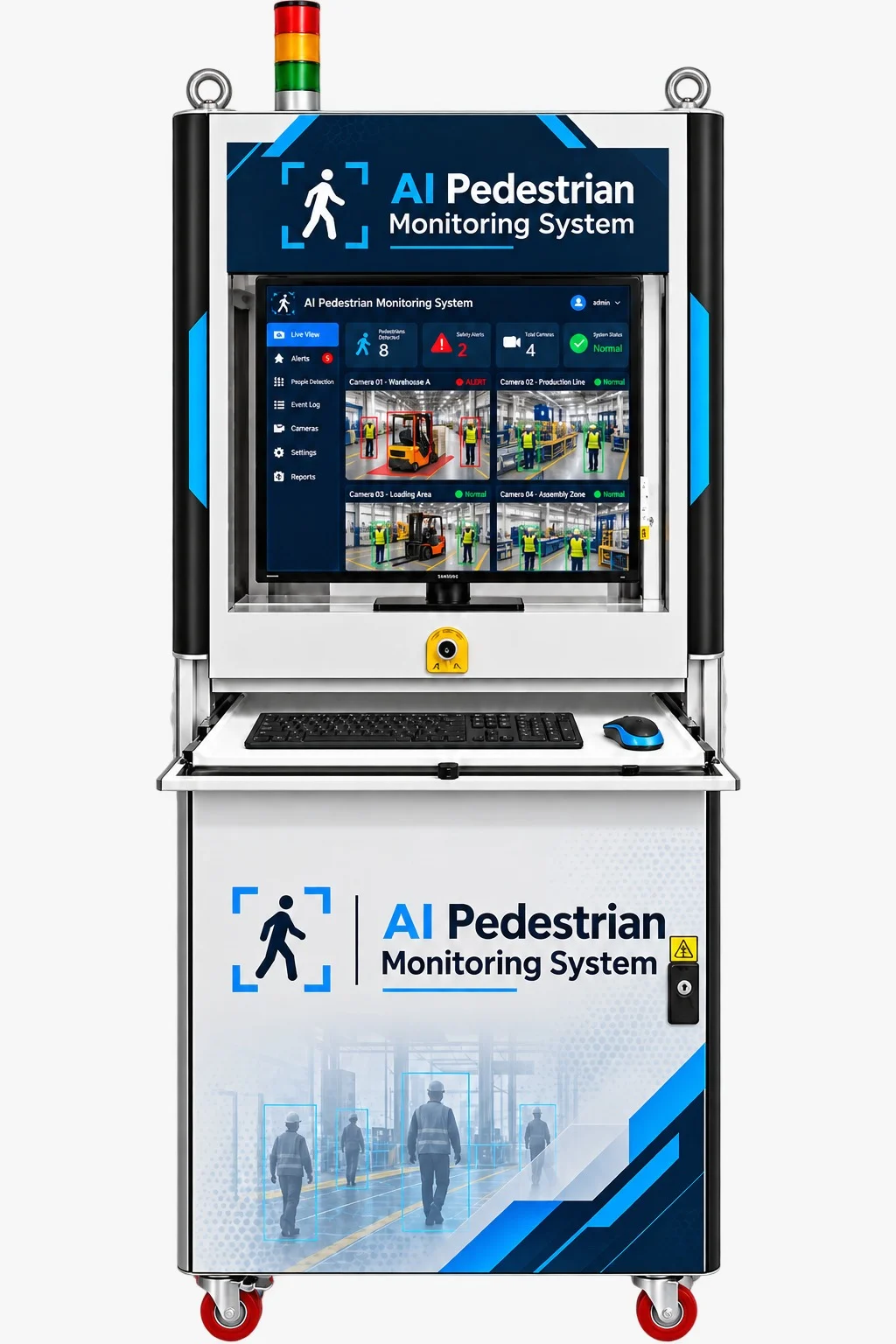
AI Pedestrian Monitoring System
Pedestrian and vehicle monitoring with virtual zones, line-crossing logic and industrial alerts.
View Product →View More AI ProductsShow Less
Smoke Detection System
AI camera smoke monitoring for real-time visual events and industrial alert workflows.
View Product →AI Head Count System for Emergency
Emergency gathering and muster-area headcount with live status and alert support.
View Product →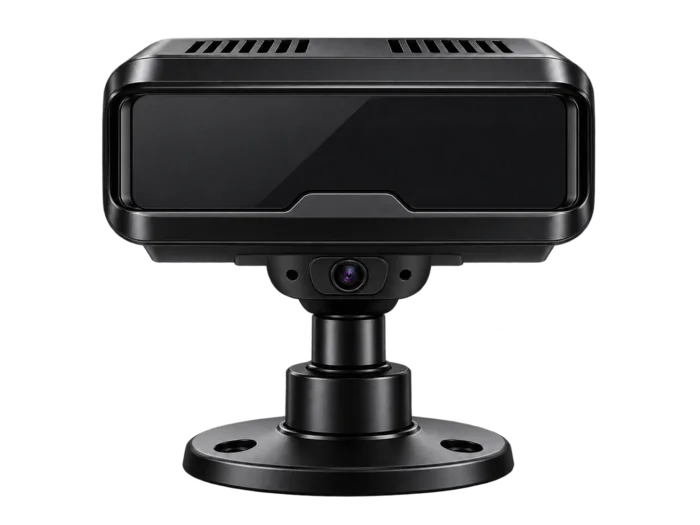
Driver Fatigue Monitoring Offline System
Local AI driver fatigue monitoring and unsafe-driving alert system.
View Product →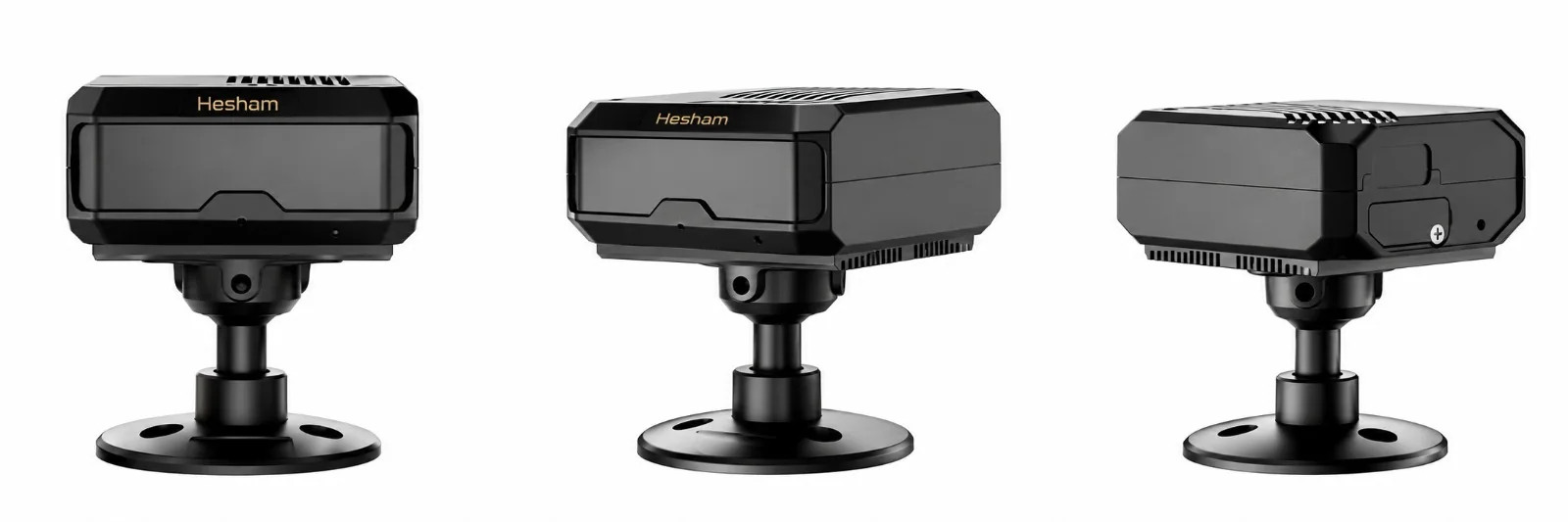
Driver Fatigue Monitoring Online System
Connected AI driver monitoring with real-time safety alerts and fleet integration.
View Product →INDUSTRIAL AI PROJECT
Discuss Your Application →Need AI video analytics for your factory or warehouse?
Share the hazard, camera count, camera type, work area and required alert or PLC workflow. Hesham can help define a practical site architecture and acceptance test.
Editorial & safety note: This guide explains practical industrial AI video analytics concepts and Hesham application examples. Detection performance depends on the actual camera view, environment, models, thresholds and event logic. AI analytics is an additional monitoring layer and does not replace required guards, interlocks, certified fire systems, traffic separation, training or other safety controls.